Axial Preset Gauge
***How to use the Axial Preset Gauge***: - Use the gauge pin included to press down on the spring-loaded center piece. Please be sure the gauge pin is placed on the shiny surface. - Turn the indictor to read "0", then remove the gauge pin. - Put the unit on the workpiece and carefully jog the tool down to make contact with the gauge face. When the gauge reads "0" the tool is 2" above the workpiece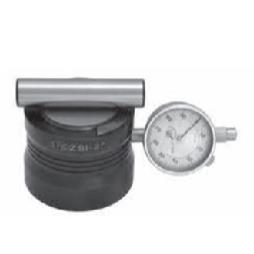
Visit the Cutting Edge Carbide website for more information on Axial Preset Gauge
ENQUIRY FORM